
Meeting Settings
Meeting
Meeting settings are available in the Meeting Hub for users with the Meeting_Admin permission set. Settings for the meetings provides administrators ability to manage the following settings
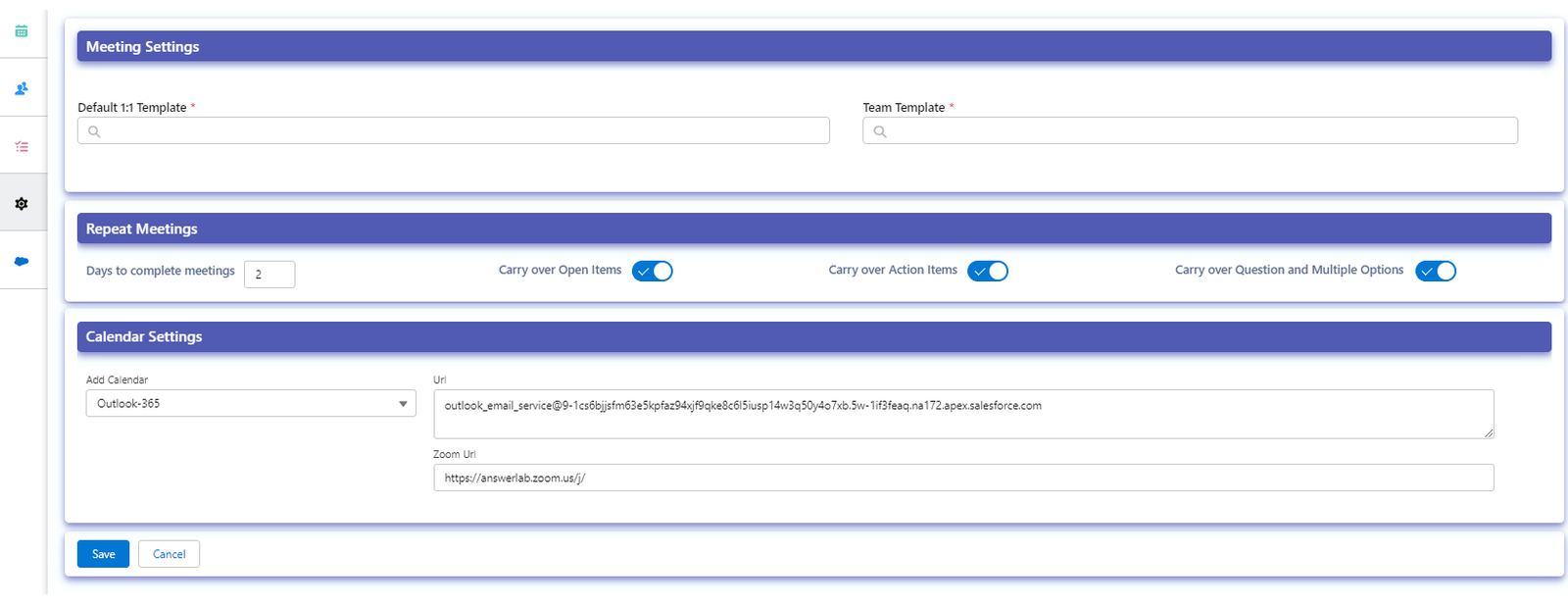
- Set default templates
Set default templates for 1:1 and team meetings. These templates will be the default templates if default templates are not assigned for the teams. Click here for information on how to assign default templates (1:1, team) for teams. - Repeat Meeting Settings
These settings will be used for repeat meetings- Days to complete meetings– The number of days before the next meeting the current meetings will be automatically completed if they are already not completed.
- Carry over General Items – Default for carrying over open general items from the current to the next meeting
- Carry over Action Items – Default for carrying over open action items from the current to the next meeting
- Carry Over Questions and Multiple Options– Default for carrying over open Questions and Multiple Options from the current to the next meeting
- Default Settings
The default settings for the meeting options, the enabled options will be the default selected options for the meeting. - Salesforce Event
Calendar Settings (Meeting Hub)
Go to Meeting Hub – Settings, under the Calendar Settings select the appropriate email provider and enter the email address from the Email Service setup.

Instructions to configure Email Service in Salesforce